Microsoft Publisher Alternatives for Funeral Homes (2026)
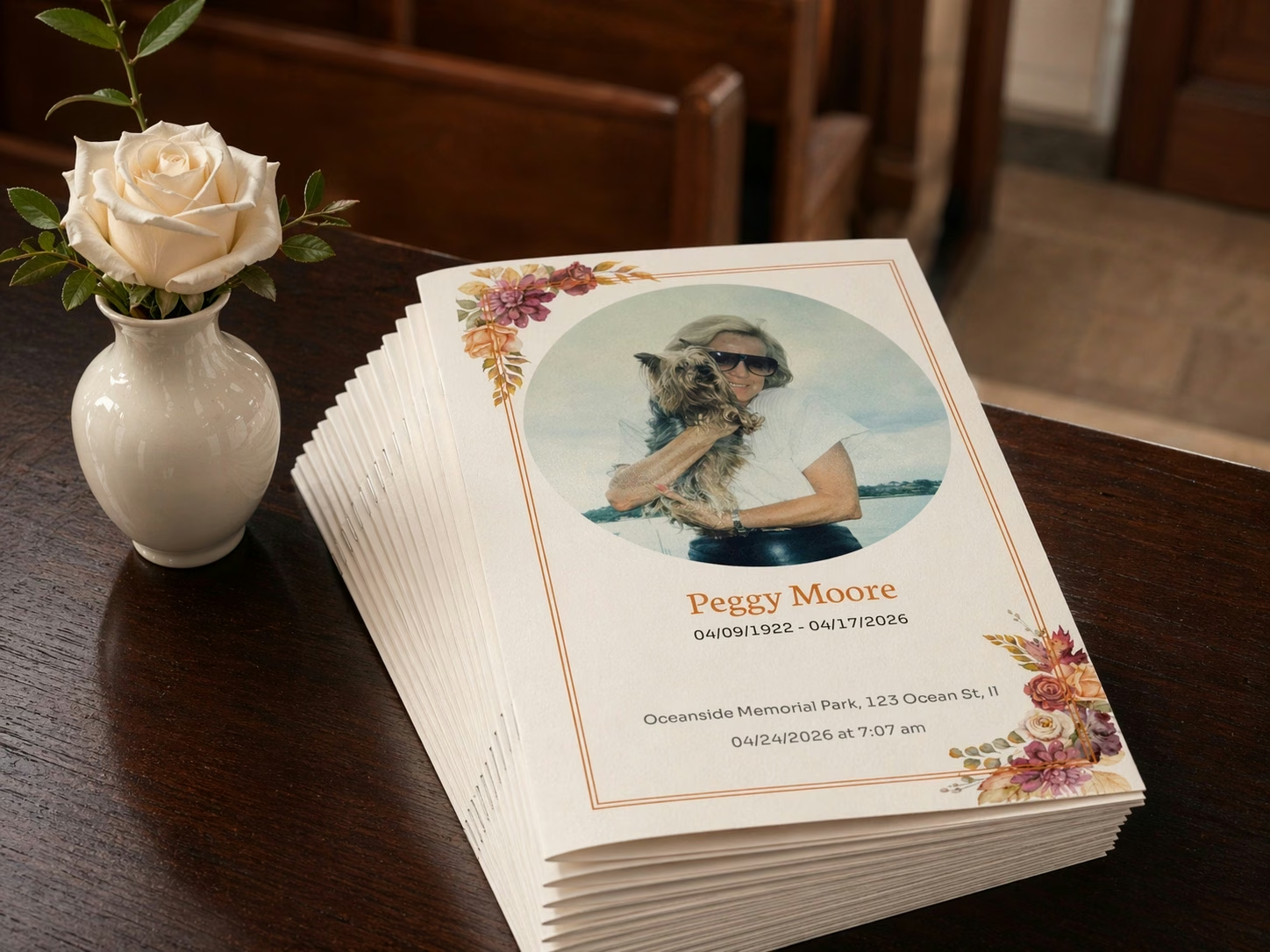
Microsoft is retiring Publisher in October 2026.* For funeral homes that have used it to create funeral stationery, service programs, prayer cards and other printed tributes, it's time to choose a replacement.
With so many options on the market, choosing the right platform for your business can feel like an endless cycle of research and trials. Look for funeral stationery software that fits how your business already works, offers extensive personalization and integrates with your existing case-management platform and obituary pages.
In 2026, modern funeral stationery platforms can also offer custom designs unique to your business, control over staff access, family involvement and a choice of printing routes.
This guide compares five options you can adopt while keeping your case-management software and funeral-home website, from dedicated stationery platforms to design tools and specialist print suppliers.
Special offer
Want to keep using your existing Publisher templates? The Eulogize team will recreate them and preload them into your new Eulogize account as part of onboarding, so you can keep the designs your home already uses.
What to look for in funeral stationery software
The right stationery software helps your business offer a personalized, premium service for families, reduce staff workload and create more opportunities for revenue. These are the capabilities and costs worth comparing:
- Designed specifically for funeral directors. General design platforms aren't built around funeral work, so suitable templates, language and funeral-software integrations may need additional setup. Look for a platform designed for the way your home serves families.
- Custom-designed stationery templates. Look for custom themes and templates created for your funeral home and the community you serve. They let you offer your own designs alongside the platform's standard template library.
- Matching designs across your stationery. Matching templates across programs, cards and other products give the service a consistent, professional presentation.
- Family contributions and editing. Families may want to supply photographs and text, or help edit the program. Choose a platform that supports the level of involvement you want to offer.
- Case-management integrations. Pulling information from the case record reduces repeated typing and opportunities for transcription mistakes.
- Obituary page embedding. Embedding stationery alongside video tributes gives families more content to view and share on your website, helping your home make more of its obituary-page audience.
- Paper requirements and stock storage. Some supplier-led systems use themed paper you buy and store, adding shipping costs and taking up storage space. This can also restrict your offering to the themes you have in stock.
- In-house, local or ordered printing. In-house printing, a local print shop and ordered stationery serve different needs. Having a choice lets you match production to the service date and your team's workload.
- Individual staff logins and fees. Individual logins let colleagues access their work through their own accounts. Be aware of platforms that charge additional fees per login or seat.
- Sharing proofs for approval. A shareable proof makes it easier for family members, celebrants and other stakeholders to review the design before printing.
- Stationery and tribute videos in one platform. Creating both in one platform saves time with a shared photo library and can offer matching themes across video and printed tributes.
Quick guide
- Eulogize Memorials: Best for a modern, easy-to-use editor with optional family participation and flexible printing options.
- Canva: Best for those who want full template customization and don't require case-management integration.
- Messenger: Best for coordinated supplier stationery with large catalogs of connected products.
- Hilton Funeral Supply: Best for specialist stationery templates in a familiar Microsoft Word workflow.
- Adobe InDesign: Best for an experienced designer who wants detailed layout and print control.
Eulogize Memorials: a modern, easy-to-use editor with optional family participation and flexible printing options.

Eulogize Memorials helps your funeral home offer premium, personalized stationery with less work for your staff. Its modern editor combines designs unique to your business, live case-management integrations and optional family editing in one platform.
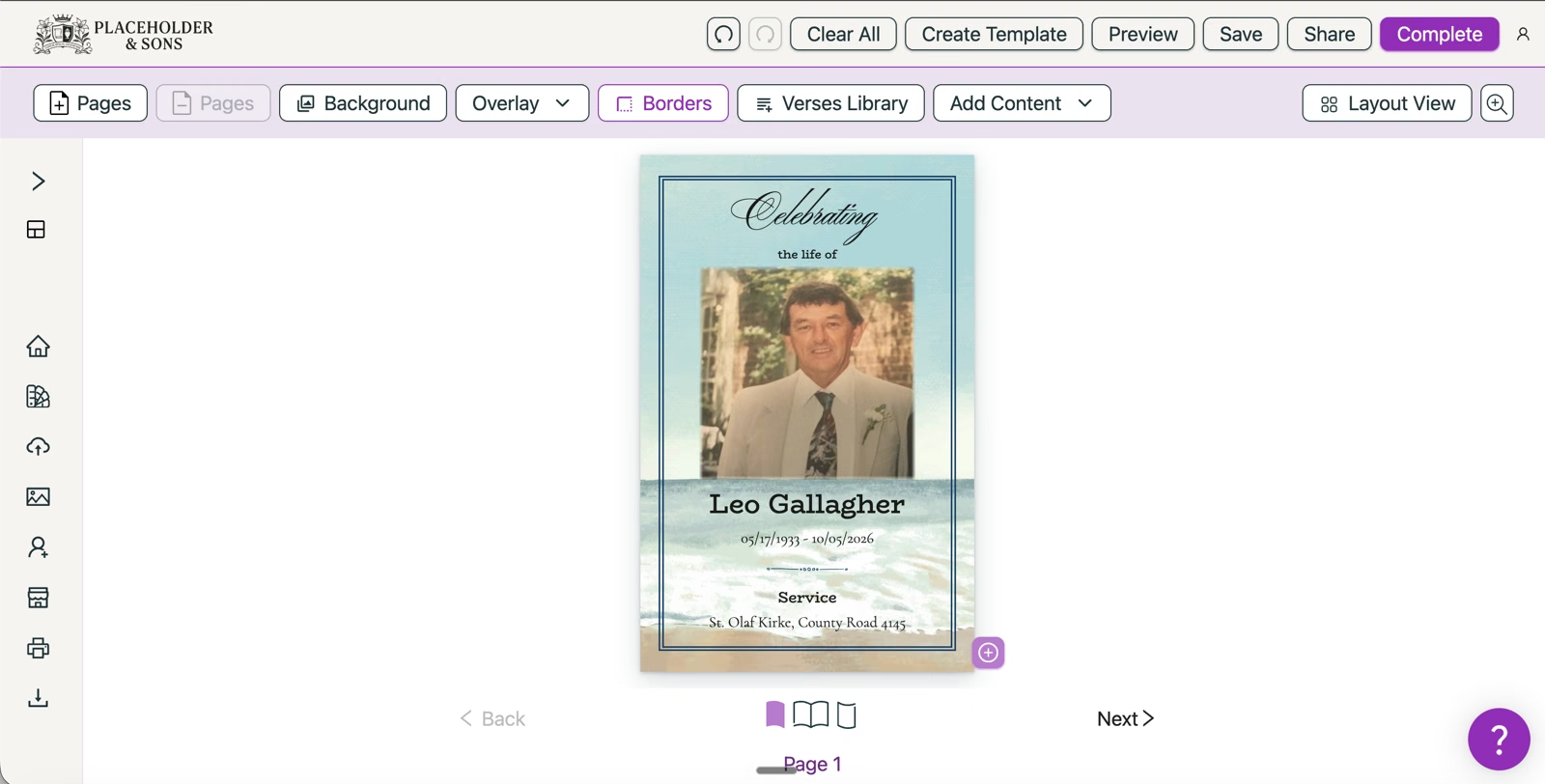
Print in-house, use your local printer or order professional printing with next-day delivery across the contiguous United States. You don't need a paper contract, shelves of themed stock or a new case-management system.
What makes Eulogize useful for funeral homes
- Custom designs for your funeral homeCreate themes and templates that reflect your business and community, giving families a choice beyond the same stock designs.
- Keep your existing Publisher designsOur team recreates your existing Publisher templates and preloads them during onboarding, so your staff can keep working with familiar designs.
- Matching stationery for the whole serviceUse matching designs across programs, service cards, bookmarks and thank-you cards for a polished presentation.
- Less typing, fewer mistakesLive integrations with major US case-management platforms pull in case information, saving staff time and reducing transcription errors.
- Your choice of printingPrint in-house or locally, or order professional printing with next-day delivery across the contiguous US. No locked-in paper contracts or themed stock to store.
- As much family involvement as you chooseInvite families to add photos and text or edit the program. Your staff can also handle everything. Share proofs for approval before printing.
- Staff logins without seat feesEvery staff member gets their own account at no additional per-seat charge.
- Embed programs on your obituary pagesGive relatives and friends a program they can view and share alongside the obituary and video tribute, directly on your existing website.
- Stationery and tribute videos togetherCreate both using one photo library, with matching themes across printed and video tributes.
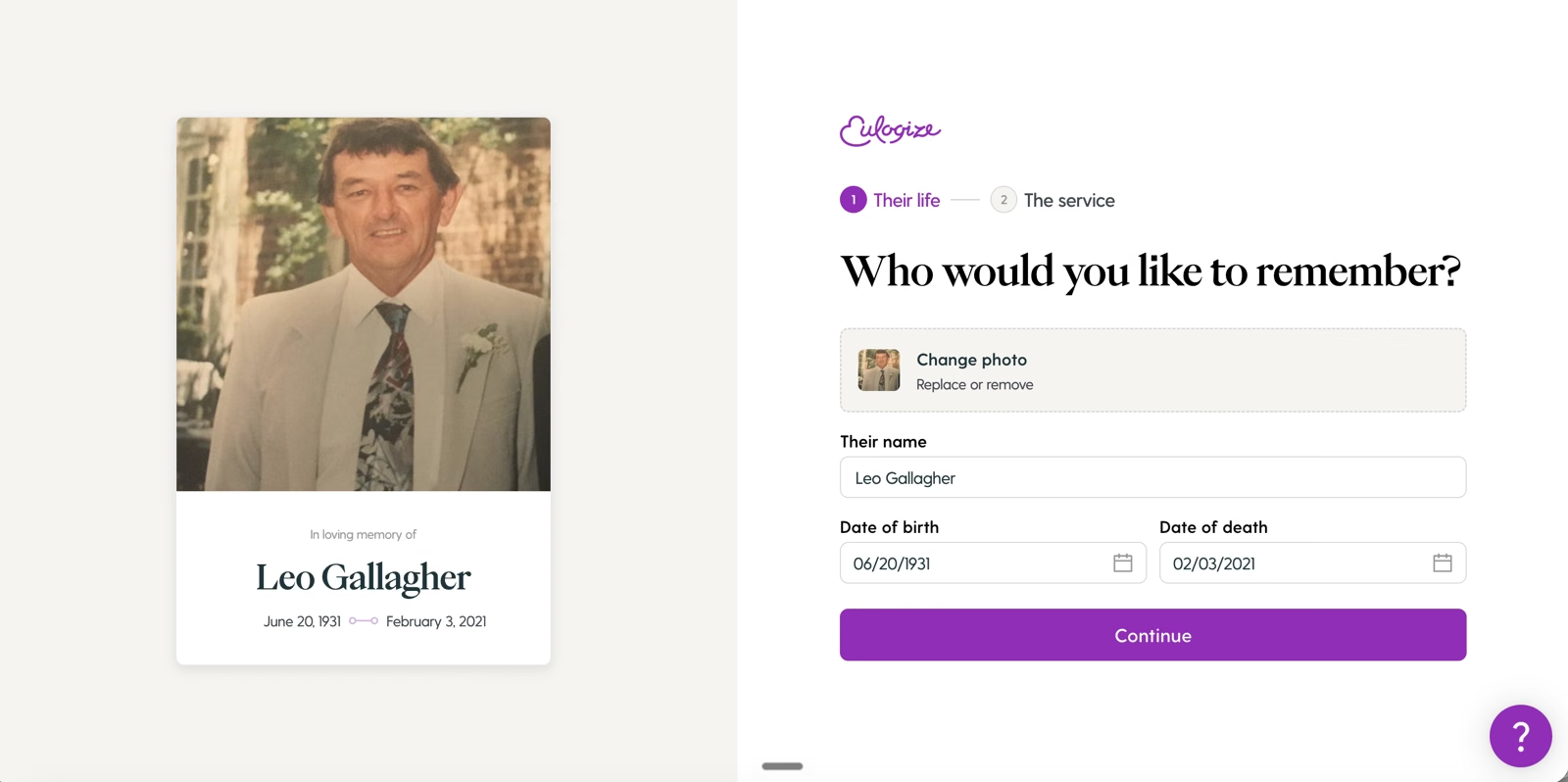
Interactive funeral program example
Give families another reason to share your obituary page. Embedding the funeral program brings friends and relatives to your website to view it alongside the obituary and other tributes.
With Eulogize, the program becomes part of your existing obituary page. Explore the interactive example below.
Pros
- A modern editor with custom designs and optional family editing.
- Live case-management integrations and individual staff accounts without seat fees.
- Flexible printing, next-day delivery and programs you can embed on your own obituary pages.
Cons
- Homes needing specialist formats, such as perforated prayer cards, should check those requirements before switching.
Canva: for managing your own design and printing workflow

Canva is an online design platform for social media posts, marketing materials and printed designs, including funeral stationery. It offers extensive customization, but turning those tools into a funeral home's stationery service is your team's job.
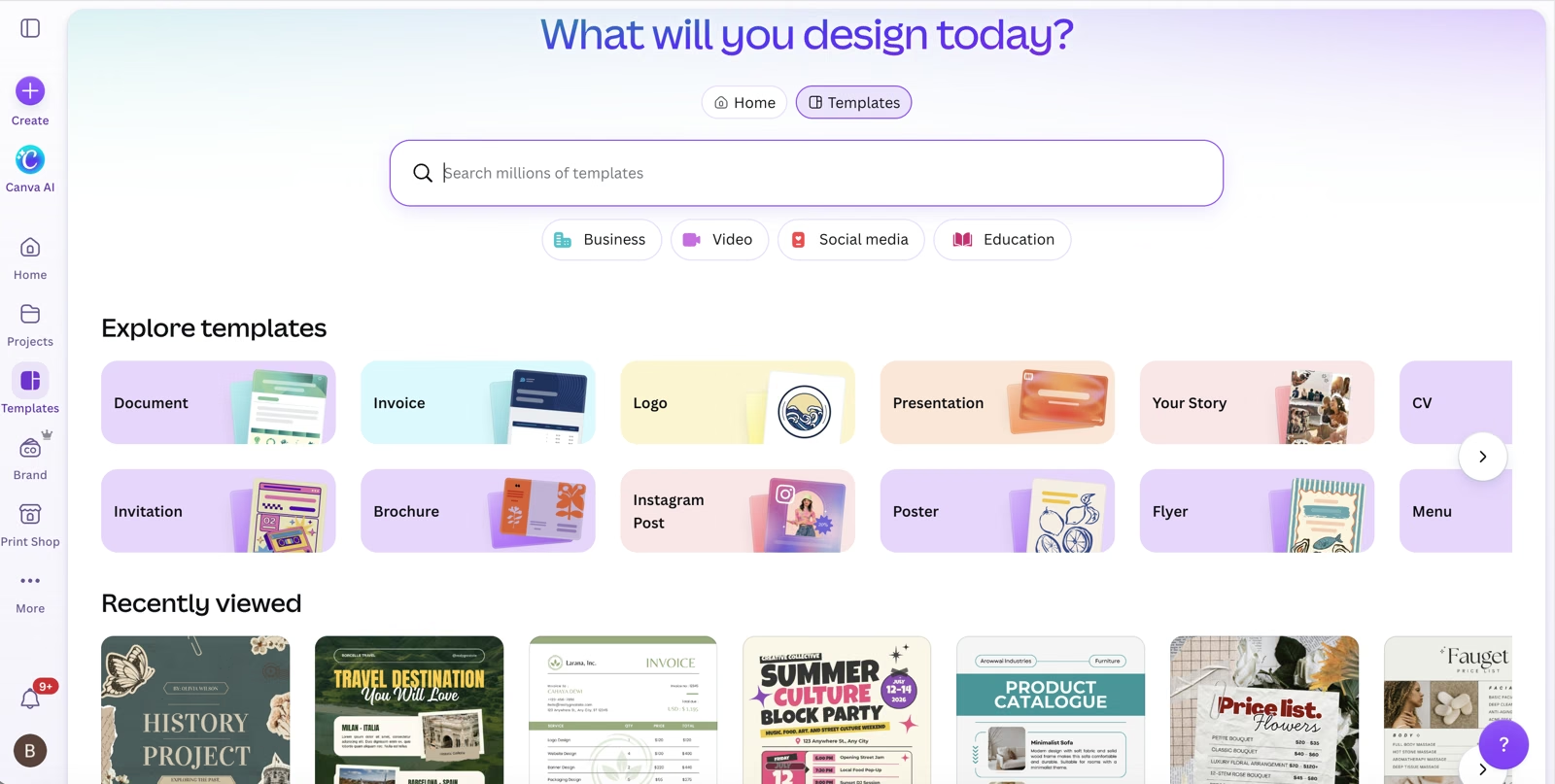
Staff can create reusable templates, but they need to set up the layouts, fonts, folds and printing process themselves. Case details have to be entered manually rather than pulled through a funeral case-management integration. You'll need someone with the time and design confidence to build and maintain that workflow.
Premium templates and many advanced tools require a paid subscription. Canva Business adds shared Brand Kits and team management, with pricing per person. One Canva Pro subscription doesn't cover a managed workspace for all your staff.
Pros
- Flexible design tools for creating and reusing your own templates.
- Share designs for family editing, comments or approval.
Cons
- Your team handles template setup, funeral-specific layouts and print production.
- Manual case-data entry adds work for each service.
- Premium tools require subscriptions; Business team access is charged per person.
Canva fits homes with someone ready to build and manage their own stationery workflow.
Messenger: for supplier-led stationery printing

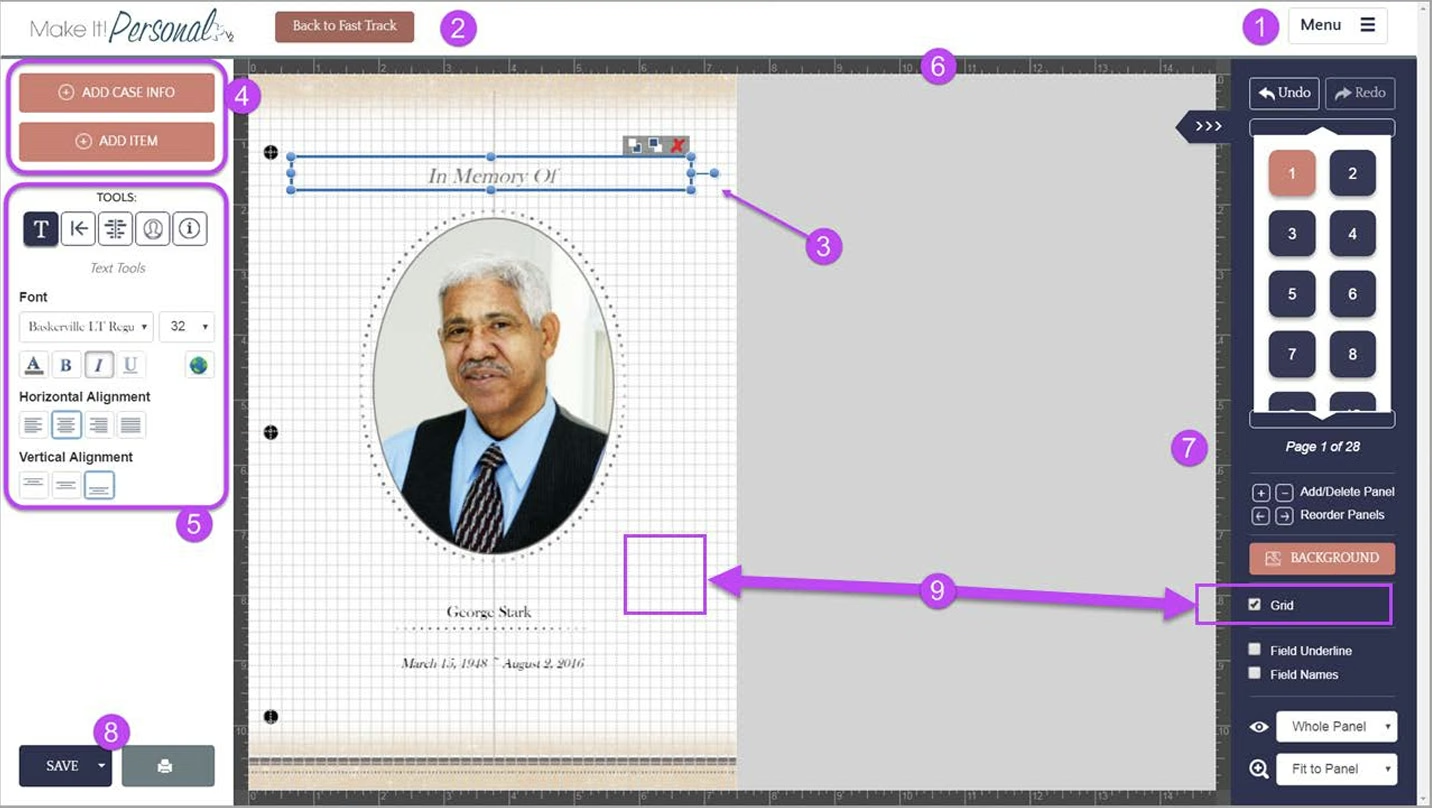
Messenger offers a large catalog of coordinated funeral stationery, including programs, cards and register books. Your home can personalize supplied designs for local printing or order finished stationery from the supplier. Compatible case-management integrations can reduce repeated data entry.
Pros
- A broad range of coordinated stationery products and templates.
- Local printing or supplier-produced orders, with case-data imports from compatible software.
Cons
- Some local-printing workflows require themed paper you buy and store, limiting immediate choices to the stock you hold.
- Local production can involve PDF software and printer setup; ordered products depend on supplier production and delivery schedules.
Messenger fits homes that want to work within an established supplier's stationery range.
Hilton Funeral Supply: for Word templates and local printing

Hilton Funeral Supply presents Shared Memories as a Publisher replacement using Microsoft Word. Download a template, add the service information and print on compatible blank stationery.

Formats include prayer cards, register books, bookmarks, acknowledgment cards and service material. The template program has no software fee, but Hilton asks participating homes to buy its blank stationery.
Pros
- Funeral stationery templates for staff who already use Word.
- No software fee for the template program.
Cons
- Your home needs Word and handles document editing, file management and printing.
- The free template program comes with a supplier stationery purchase requirement.
Hilton Funeral Supply fits homes that want to continue editing documents and printing locally using supplier templates.
Adobe InDesign: for experienced designers

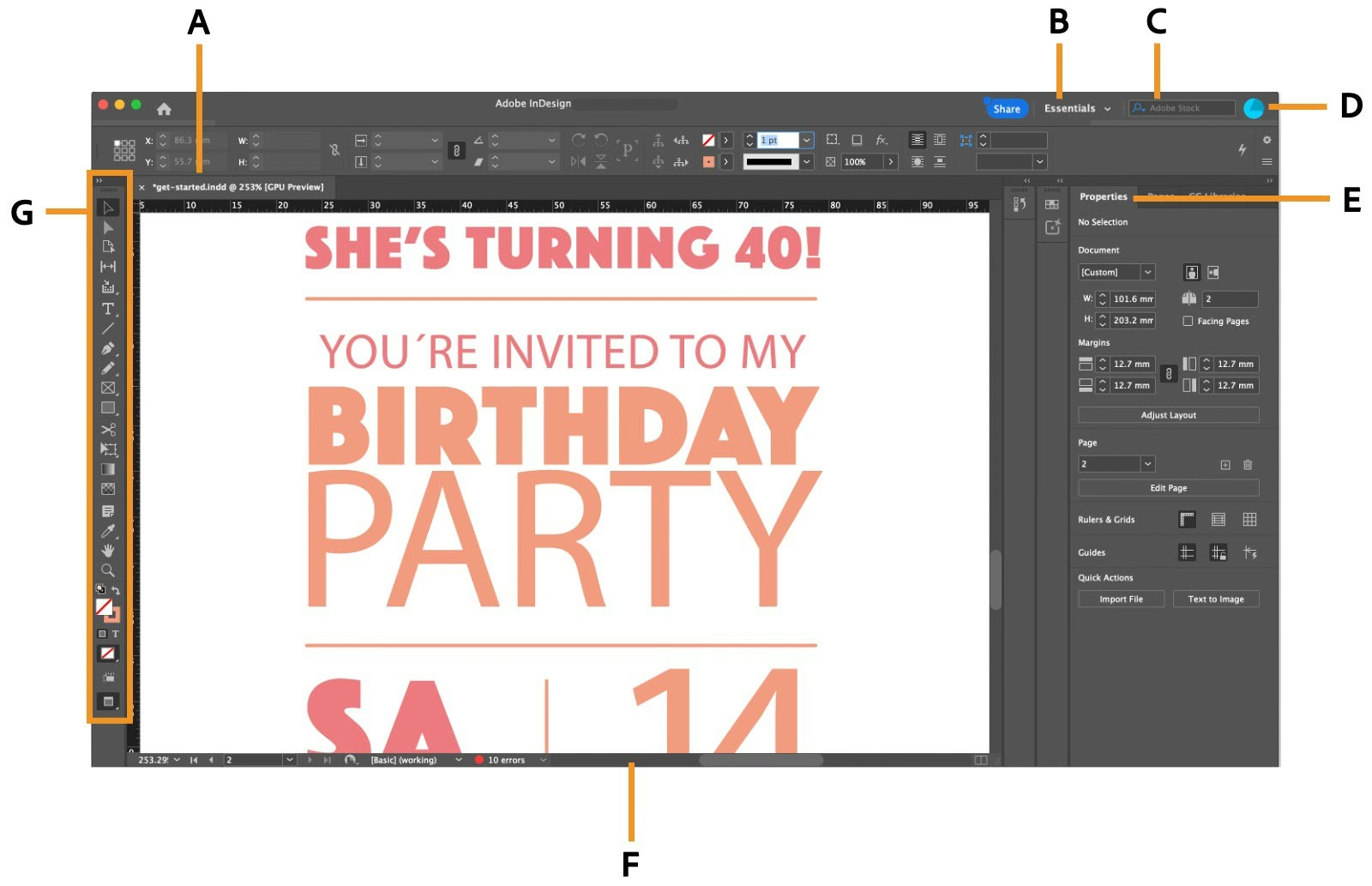
InDesign gives a trained designer control over typography, page layout and multi-page programs. Your home needs someone to create the templates, enter the content and prepare print-ready artwork.
Pros
- Detailed layout and typography control.
- Tools for multi-page documents and professional print files.
Cons
- Requires design skills and time to build and maintain templates.
- Case information, family review and print ordering need separate processes around the editor.
InDesign fits homes with a dedicated designer.
Funeral stationery software at a glance
| Platform | Printing options | Template creation | Case integrations | Staff seat fees |
|---|---|---|---|---|
| Eulogize Memorials | In-house, local or ordered | Custom designs + team setup | ✓ Yes | None |
| Canva | In-house or local | Build your own | No | Per user (Business) |
| Messenger | Local or supplier orders | Personalize supplier designs | ✓ Supported systems | Ask supplier |
| Hilton Funeral Supply | In-house or local | Edit Word templates | No | Word licensing |
| Adobe InDesign | In-house or local | Build your own | No | Per user |
Case integrations are built-in connections to funeral case-management software. Seat fees are per-user charges. Word licensing is separate from Hilton's free templates.
FAQs about switching from Microsoft Publisher
Will Microsoft Publisher stop working in October 2026?
Microsoft 365 users lose access after October 1, 2026. An installed perpetual copy can still run after support ends on October 13, 2026. See Microsoft's retirement guidance for the difference.
Can I keep my existing Publisher templates?
Yes. The Eulogize team can recreate your existing Publisher templates and preload them during onboarding, so your home can keep its familiar designs as editable Eulogize templates. Share your existing designs with us and we’ll take care of the setup.
Do I need to change my case-management system or website?
No. The five options in this guide can be adopted separately. If you want case details pulled into your stationery automatically, confirm the integration with your existing case-management platform. For obituary embedding, check how the program fits into your current website.
Can we keep printing funeral stationery in-house?
Yes. Test a sample on your printer, including folds, margins and any specialist card formats. Check whether the platform requires supplier paper or lets you choose your own stock. You can also use a local printer or order finished stationery where those options are offered.
*Publisher retirement: Microsoft 365 access ends after October 1, 2026; support for perpetual versions ends October 13, 2026. An installed perpetual copy can continue to run after support ends. See Microsoft's retirement guidance.
Our recommendation: Eulogize Memorials
Eulogize Memorials is our pick for funeral homes ready to replace Publisher with a platform built for funeral directors. Offer a more personal service, save staff time and choose how you print, while keeping your existing case-management system and website.
See Eulogize Memorials in action
Find your funeral home's replacement for Publisher
Book a demo to see the editor, custom designs, case-management integrations and flexible printing. Bring a program your home produces, and we'll show you how Eulogize can fit your workflow.
Book an Eulogize demoRelated articles
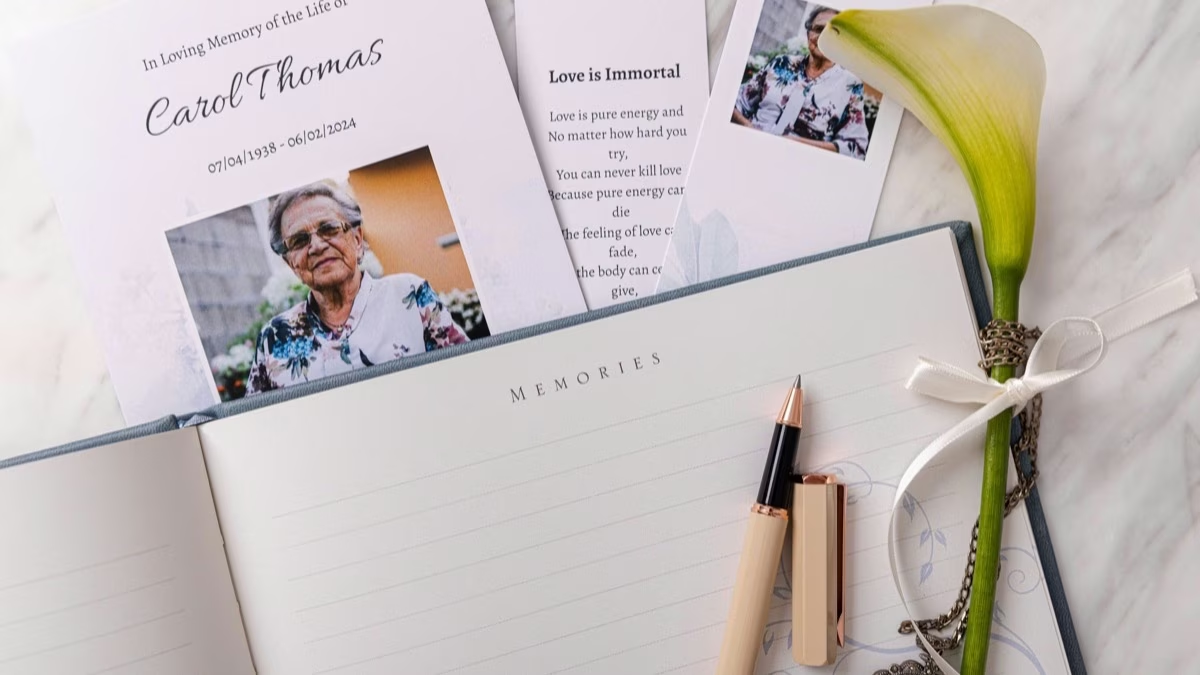
What to Write in a Funeral Thank You Card (With Examples)
Learn what to write in a funeral thank-you card, who to thank, how to sign it and what to say if your card is late.


The 6 Best Funeral Slideshow Makers
Eulogize compares six funeral slideshow makers and explains when each fits best, from guided photo tributes to spoken messages and human help.