Create a Funeral Slideshow in Minutes



How to make a funeral slideshow
Four steps in your browser. The work you do is choosing what goes in.

Upload from your phone or computer
Invite family to add their photos
Browse templates, each with its own transitions
Pick a track from our royalty-free music library
Or upload your own music as an MP3
Drag your photos into the order you want
Every slide times itself to the music
Choose from a large gallery of backgrounds
Add a title slide that matches your template
Download the title slide as a JPEG
Use it as the welcome screen when guests arrive
Preview it instantly, as often as you like, for free
Send family a link to see it before it is finished
Download the MP4 when you are ready
Add it to their online obituary

Families who made their own tribute video

I needed to create a memorial slideshow for a family member who passed. This website made it so easy! I love that it automatically times the slides to match the music. All I had to do was upload the photos and then arrange them how I wanted, upload the music and the program did everything else for me!
An amazing product that took a lot of pain out of the process. Whilst the website does lock the video after you generate it (understandably!), all it took was an email to the team who promptly unlocked it for me to fix typos on. Highly recommend!
Eulogize made a difficult process seamless and allowed us to create a video of photos that allowed us to celebrate our loved one. Very impressed with this companies customer service and the helpfulness of their team. 1000/10 would recommend!
Fantastic, easy to use site to prepare memorial video, combine photos with music and download an mp4 for my mother's funeral. There was an immediate response to questions and help with any issues.
Simple to use (even for someone who has limited technology/design skills). Extremely cost effective. Excellent response time, when help was required. Could not recommend Eulogise highly enough – what a wonderful solution. They've done all the thinking for their customers.
Eulogize offered me a simple, intuitive interface, easy to upload and move photos, very straightforward. A solid offering of templates and themes, it was just a great solution and exactly what I was looking for during a period when I am grieving.
A purpose-built funeral slideshow maker
Eulogize is built for funeral and celebration-of-life slideshows, not adapted from a general-purpose design tool. Thousands of families have used it to bring photos and music together for a service. The editor handles transitions and timing, so you can focus on choosing the memories.
Themes & templates designed specifically for funerals.
Every template is designed for a funeral or celebration-of-life service, not adapted from a general design library. The backgrounds, transitions, pacing and music already suit the occasion. You can change any of it if you want to, but you never have to.Made for families short on time.
Most families find us with the service days away. Our drag-and-drop editor handles the timing, transitions and music, so there is no new video software to learn. All you have to do is add your photos.Download instantly, plays anywhere.
No waiting for someone to get back to you. Download your video as an MP4 the moment it's finished, and it plays on any TV or screen.No subscriptions, no premium tier.
Every user gets all our themes, templates, backgrounds, features and music from day one.
Funeral and celebration of life slideshow templates
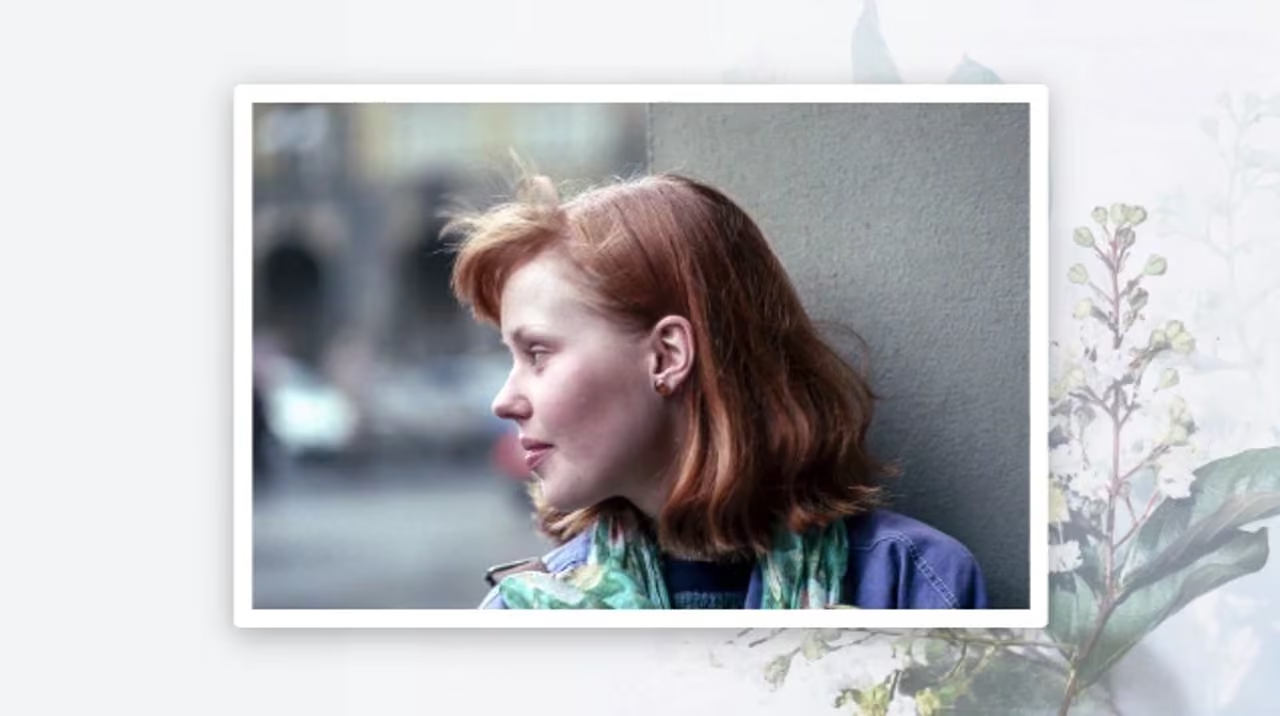
Select and watch funeral slideshow examples, one for each template.
What's Included
Instant HD MP4 video download, plays on any screen
No watermark and no Eulogize branding
Download your welcome screen as a JPEG
Full access to our online editor
Royalty-free music library
Upload your own music
Free to share with friends, family or your funeral director
What goes into a funeral video tribute?
Adding photos to your memorial slideshow
Upload from your phone or computer. You can even connect to Facebook, Instagram or Google Drive.
Invite your family to contribute. Our built-in photo collection emails make it easy to collaborate.
Built-in photo editing. Rotate, crop, filter, remove backgrounds, or try our new AI enhance feature.

Make a funeral slideshow with music they loved
Royalty-free music library included. A range of different styles, lengths and genres.
Upload your own music. Add as many MP3s as you like, then trim or fade them in the editor.
Automatic slide timing. Every slide times itself to the track you choose.

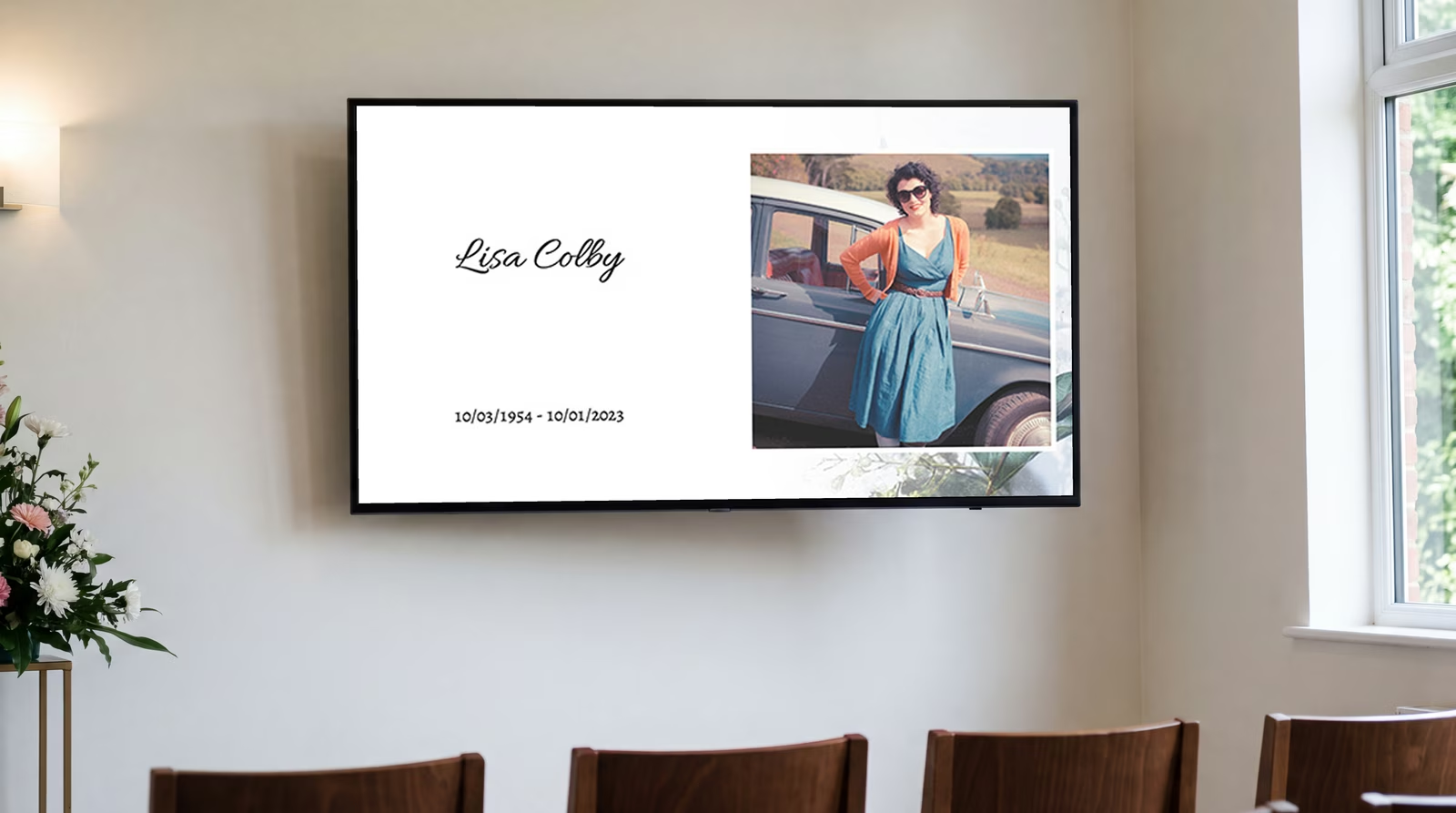
Create a welcome screen for when people arrive
Add a title slide to your slideshow. Pick from one of our matching templates.
Download it as a JPEG. Ready to put on a screen to welcome guests.
Included in the price. No extra fee. It comes with every tribute video.
What to do with your slideshow after the service
Keep the video somewhere it will actually get watched. Our premium video books give your slideshow a lasting home. Open the cover and it plays, with no laptop or TV needed. Available in black or white leather, they make a meaningful gift for anyone who has lost someone.
Opens and plays, no need for remotes
7" HD screen, built-in speaker and 4 hours of playback
Comes with a USB charging cable
Send one to family who could not be there

Programs, cards, bookmarks and printing
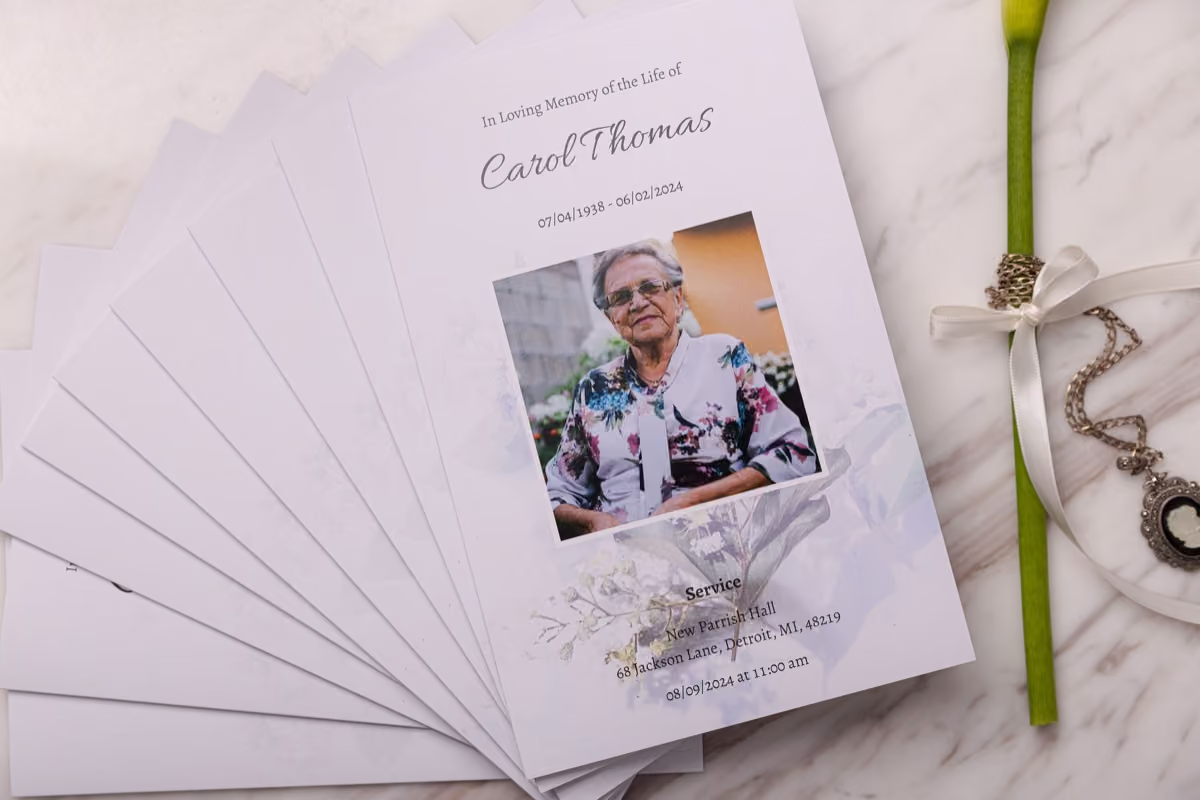
Make matching printed tributes in the same place, using the same theme as your video. We can print and deliver them for you too.

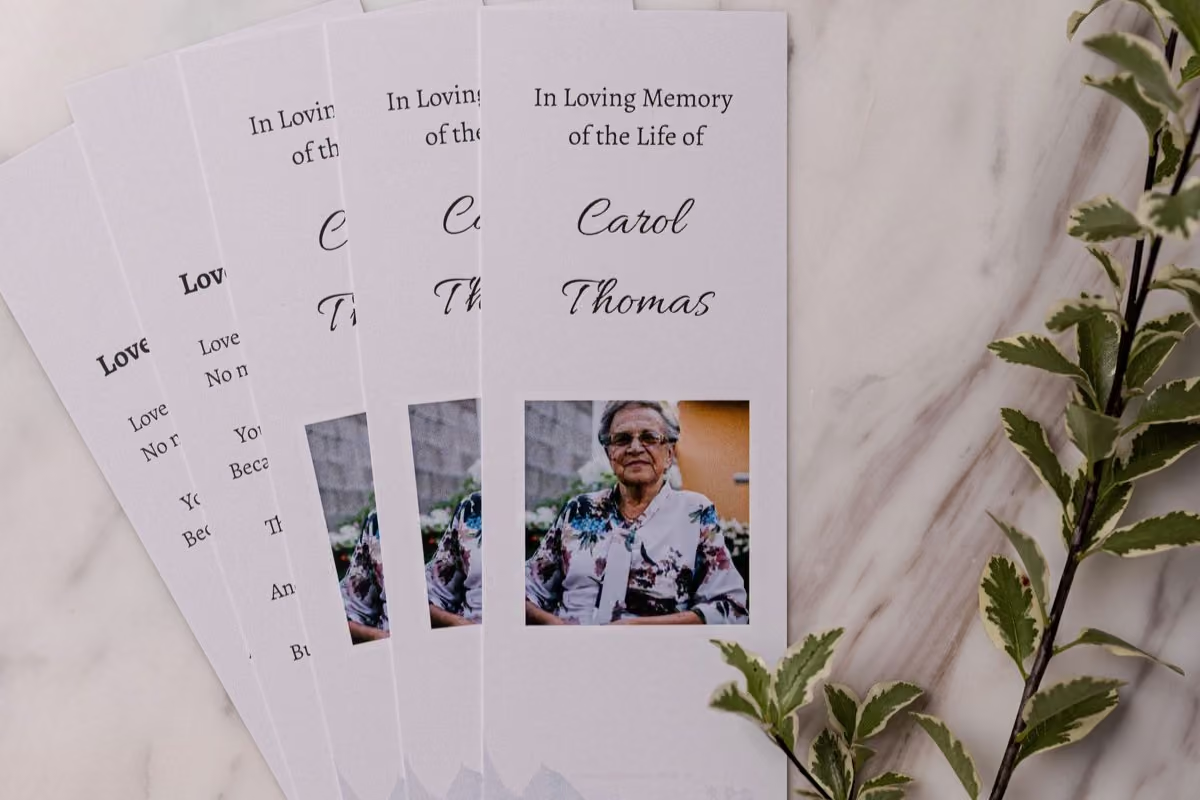

What is a memorial video?
A memorial video, also called a tribute video or funeral slideshow, brings photos and music together to tell the story of a life. Eulogize handles the transitions and timing, so you can concentrate on choosing the memories.

From old prints to the screen at the service

How long should a funeral slideshow be?
As long as the music you choose. Each slide times itself to the track, so the song sets both the length and the pace. A three-minute song gives you a three-minute video.
Making it takes minutes. The part that takes longer is choosing what goes in, and that time is yours.
How many photos should I use?
Use roughly one photo for every five or six seconds of music. A three-minute song works well with about 30 photographs.
Fewer photos held longer feel calmer and give people time to recognize each one. More photos moving quickly feel like a celebration. Preview both and choose what suits them.
What about older photographs and prints?
Printed photos need to be digital before they can go in. A phone scanning app is usually good enough, and it is much faster than a flatbed scanner when you have a shoebox to get through.
Scan at the highest quality the app offers. A small, soft scan will look soft on a large screen at the service.
Six phone apps for scanning old photographs →How do I play it at the service?
Your finished video downloads as an MP4, the standard format for video files. Copy it to a laptop or a USB drive and take it with you rather than relying on the venue’s internet.
Tell whoever is running the audio-visual at the service in advance, and if you can, play it once on the venue’s own screen before the day.
Yes. You create an account, choose a template and build your whole tribute video without paying. You pay $69 when you create your finished video, and $20 for each tribute after that.
Your finished video downloads as an MP4, ready to copy to a laptop or USB drive and play at the service.
Yes. Upload as many MP3s as you like, and the slides will time themselves to whichever track you choose. If you are uploading your own song, it is worth checking with the venue about playing it at the service.
Yes. Eulogize includes a royalty-free music library in a range of styles, so you do not have to find and buy a track before you start.
Yes. Preview the video as you build and share a link with family or friends before you pay and download it.
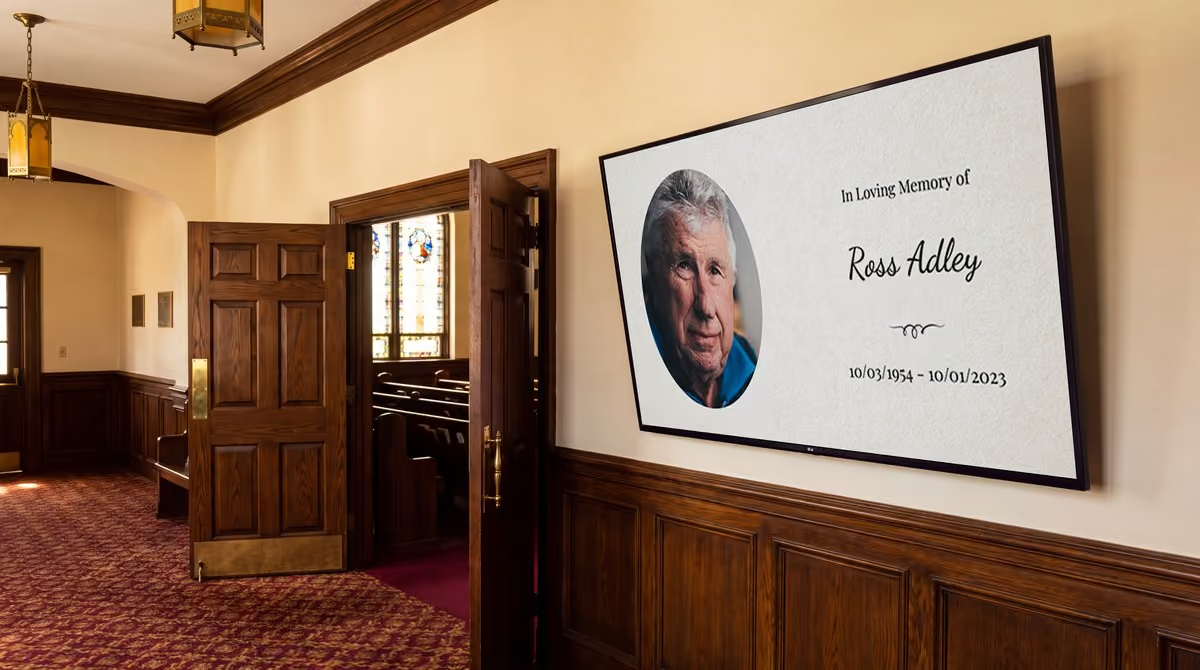
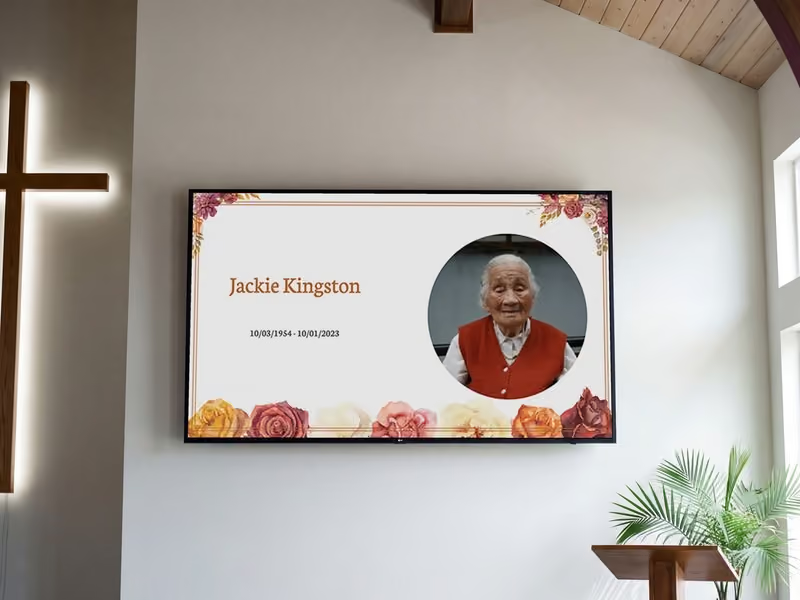
The welcome screen is a downloadable image based on your video's title slide, with their name and dates. Display it on a screen while guests arrive.
No. Eulogize runs in your web browser, so there is no video editing software to buy or install.
Yes. Add a video book with a built-in screen, speaker and rechargeable battery, or download the MP4 to keep and share yourself.