For FamiliesFor Professionals
Pricing
Aa
Aa
Sign in
Creating a memorial has never been easier
Get started for free
Start for free

Remembrance Bookmarks

Lasting tributes to carry with you always

A beautiful keepsake

Keep their memory with you always with our beautiful page savers. Our remembrance bookmarks can act as a beautiful keepsake that family and friends can take away with them and cherish forever.  

How to make a Funeral Bookmark
in three easy steps

Choose your design
You can choose to select the same design as your funeral service program or select something else from our large template library.
Edit the template
Select a photo, choose a background, and add any details you would like. It is common to have a prayer or poem on one side, which you can select from our library of verses.
Download & Share
Many families choose to have a Remembrance Bookmark to hand out to family and guests at the funeral or service.

What is a Funeral Bookmark?

Funeral bookmarks, remembrance bookmarks, or sometimes obituary bookmarks are typically given to guests at a funeral or celebration of life. They act as a keepsake that friends and family can take with them as a keepsake. They are popular because they are smaller and easier to keep on you than a full-sized service card or order of service program.

What do you put on a Remembrance Bookmark?

A funeral bookmark should be personalized to the deceased. It should contain their name, dates of life, and usually a photograph of them. Some designs also have the details of the service, such as the date and location. On the reverse side, you have several design choices. You could choose their favorite poem or quote, a meaningful Bible verse, or a couple of more images. Be mindful of not trying to cram too much on. Funeral bookmarks are not small, and it is important to make sure everything is legible.

How to make a Funeral Bookmark?

The easiest way to make a funeral bookmark is with Eulogize’s online editor. Our easy-to-use templates allow you to customize your bookmarks with photos, text, and design elements. You can choose from various templates or create your own design from scratch to create a special service memento.

More common questions about funeral bookmarks
Start for free.

Invite family to upload pictures, select a template and customize your design. Only pay when you’re ready to download to print or play at your service.

Background image library

Select from our large range of background images & textures or upload your own photo for something truly personal.

Gentle waves washing onto a sandy beach at sunrise
Rows of purple lavender fields glowing at sunset
Close-up of rosemary sprigs backlit by warm evening light
Sailboat on calm blue water with distant islands
Small American flag in a grassy field at sunset
Green mountain valley meadow with wildflowers under a blue sky
Golf course green with a flag, pine trees, and mountains
Layer of clouds with mountain peaks breaking through below
Snow-covered mountain range with a ski resort under a blue sky
Statue of Liberty rising against a clear blue sky
Close-up of white snowdrop flowers in green grass
Cross silhouette against a pink and purple sunset sky
Close-up of soft white clouds against a blue sky
Sun rays breaking through clouds over silhouetted hills at dusk
Wooden pier extending into calm water at dusk
Snow-covered mountain range with a ski resort under a blue sky
Rows of purple lavender fields glowing at sunset
Uluru rock formation rising above a red desert landscape
Layer of clouds with mountain peaks breaking through below
Close-up of soft white clouds against a blue sky

Frequently asked questions

Find answers to common questions about our funeral bookmarks

What size are funeral bookmarks?

Funeral bookmarks measure 2.5 inches by 9 inches, offering a perfect size to serve as a meaningful keepsake while fitting comfortably in a program or card.

What do you put on a remembrance bookmark?

Bookmarks are compact, so keeping the design simple is often best. A popular layout features your loved one’s name and dates alongside a favorite photograph on one side, with a meaningful prayer or poem on the other. You’ll find a variety of templates and designs to choose from in the Eulogize Memorials editor.

How do you make a funeral bookmark?

The easiest way to create a funeral bookmark is with Eulogize Memorials’ online editor. Our beautiful templates and designs are simple to customize, allowing you to craft a meaningful and personalized service keepsake.

What is a funeral remembrance bookmark?

A remembrance or funeral bookmark is a meaningful keepsake honoring a passed family member or friend. It serves as a thoughtful everyday reminder of your loved one. When paired with a funeral program, order of service, or card, it creates a beautiful collection of funeral stationery. Eulogize Memorials offers a variety of easy-to-use templates and themes to help you create cohesive and personalized funeral stationery.

Create all your funeral tributes
in one easy place

Stack of printed memorial booklets tied with ribbon and a calla lily
Print & Delivery
Two remembrance bookmarks featuring a portrait photo and countryside scene
Remembrance Bookmark
Floral funeral thank-you card and envelope with a personalized message
Funeral Thank You Card
Widescreen memorial welcome slide displaying a name, dates, and portrait
TV Welcome Screen
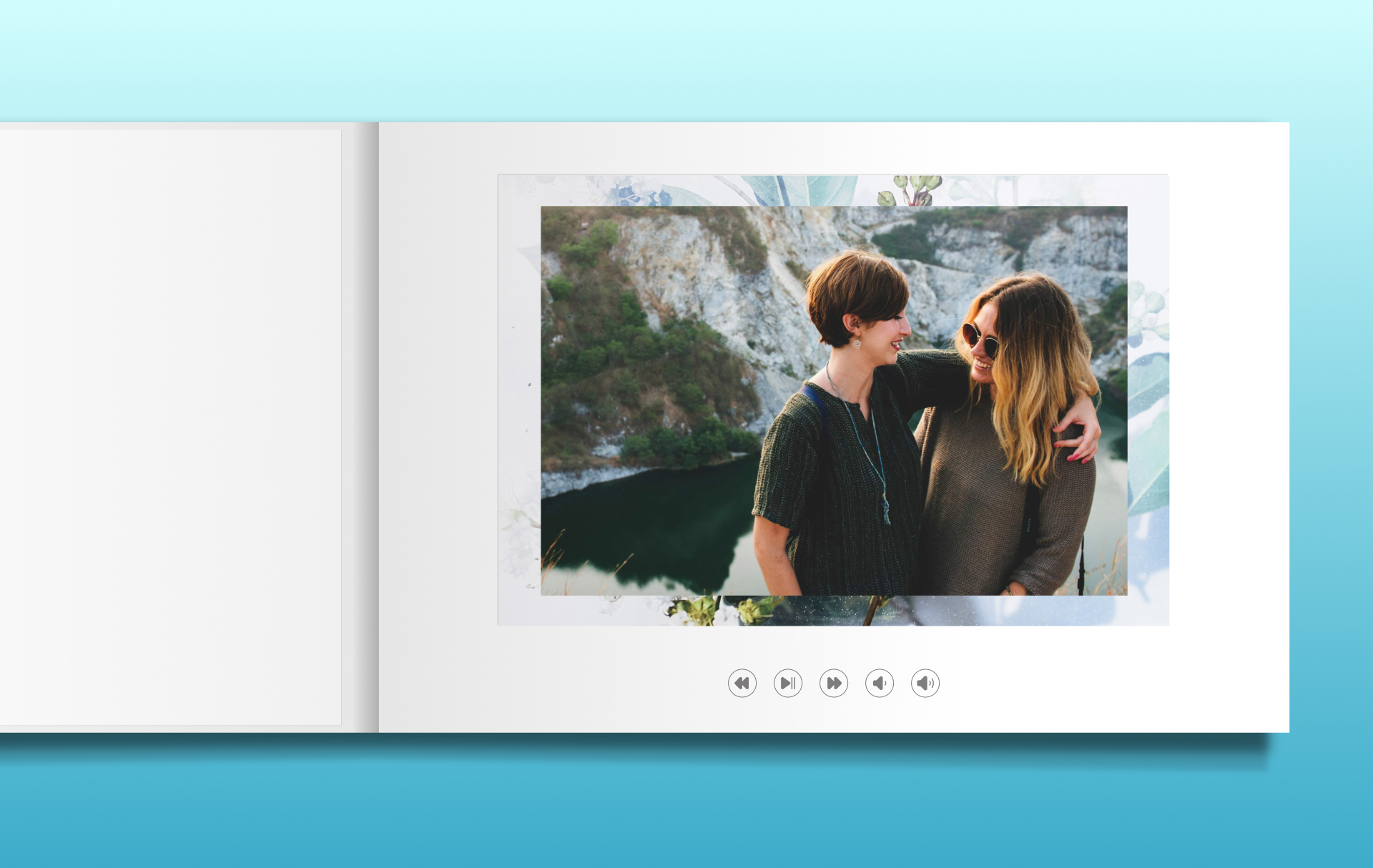
Open video book displaying a photo with on-screen playback controls
Video Book
Two-sided funeral service card showing a portrait, name, and service details
Service Cards
Memorial tribute video preview with two framed photos in a floral border
Memorial Tribute Video
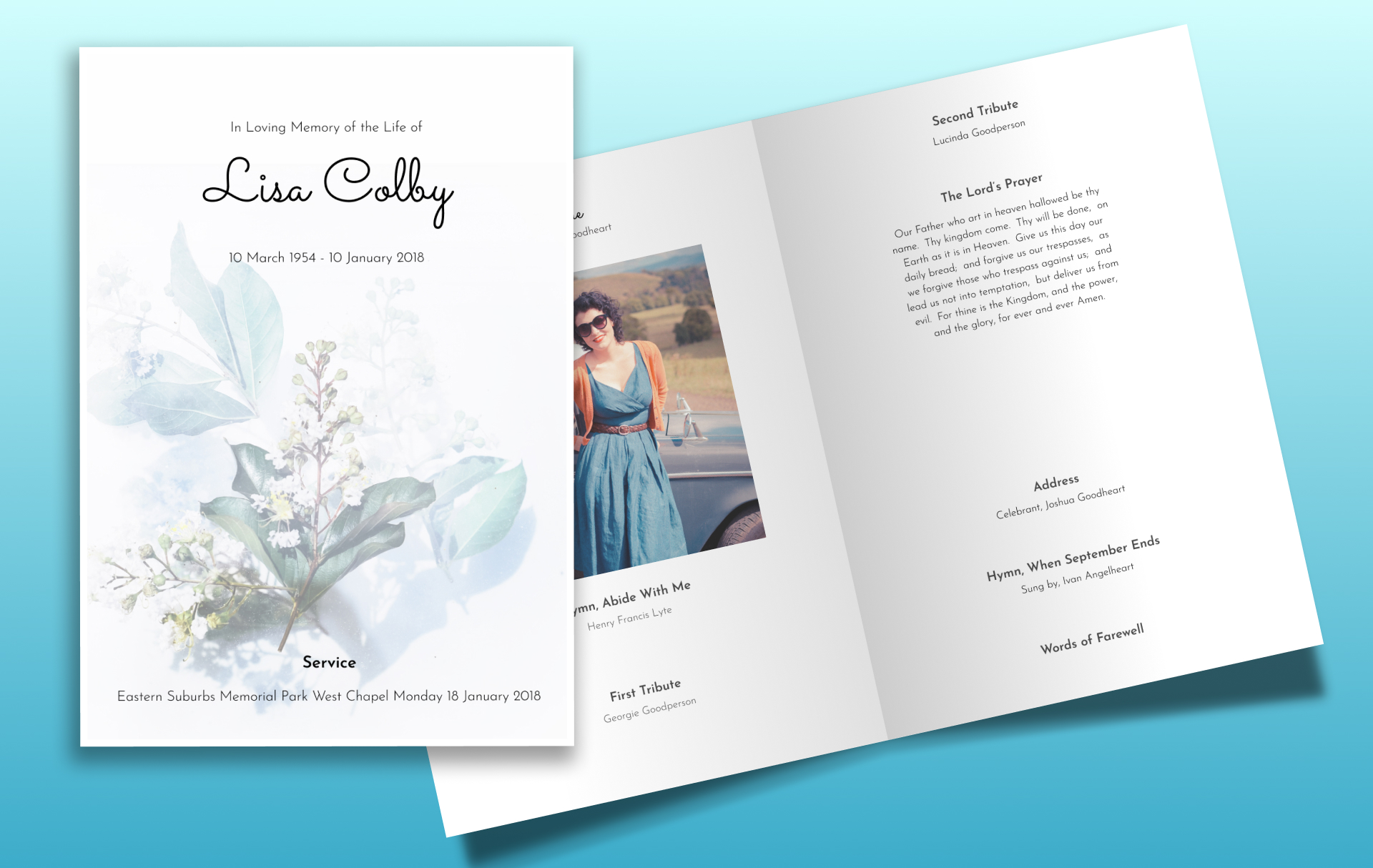
Folded funeral program cover and inside spread with hymn and tribute text
Folded Funeral Program
Creating a memorial has never been easier
Get started for free