AI photo background removal feature now live.
We’ve added AI background removal to the Eulogize editors. It’s the kind of job that used to mean exporting a photo, opening another tool, and hoping the edges came out clean. Now it’s one click, and it works on any photo in your library.
AI Background Removal
Eulogize users can now remove the backgrounds of their photos with a single click. Our AI background remove will analyze the subject of a photo and remove everything else. You can keep both photo versions or just update it with a transparent background.
You can test out our background remover tool now inside the editor just upload a photo and click the background remove icon to have a play.
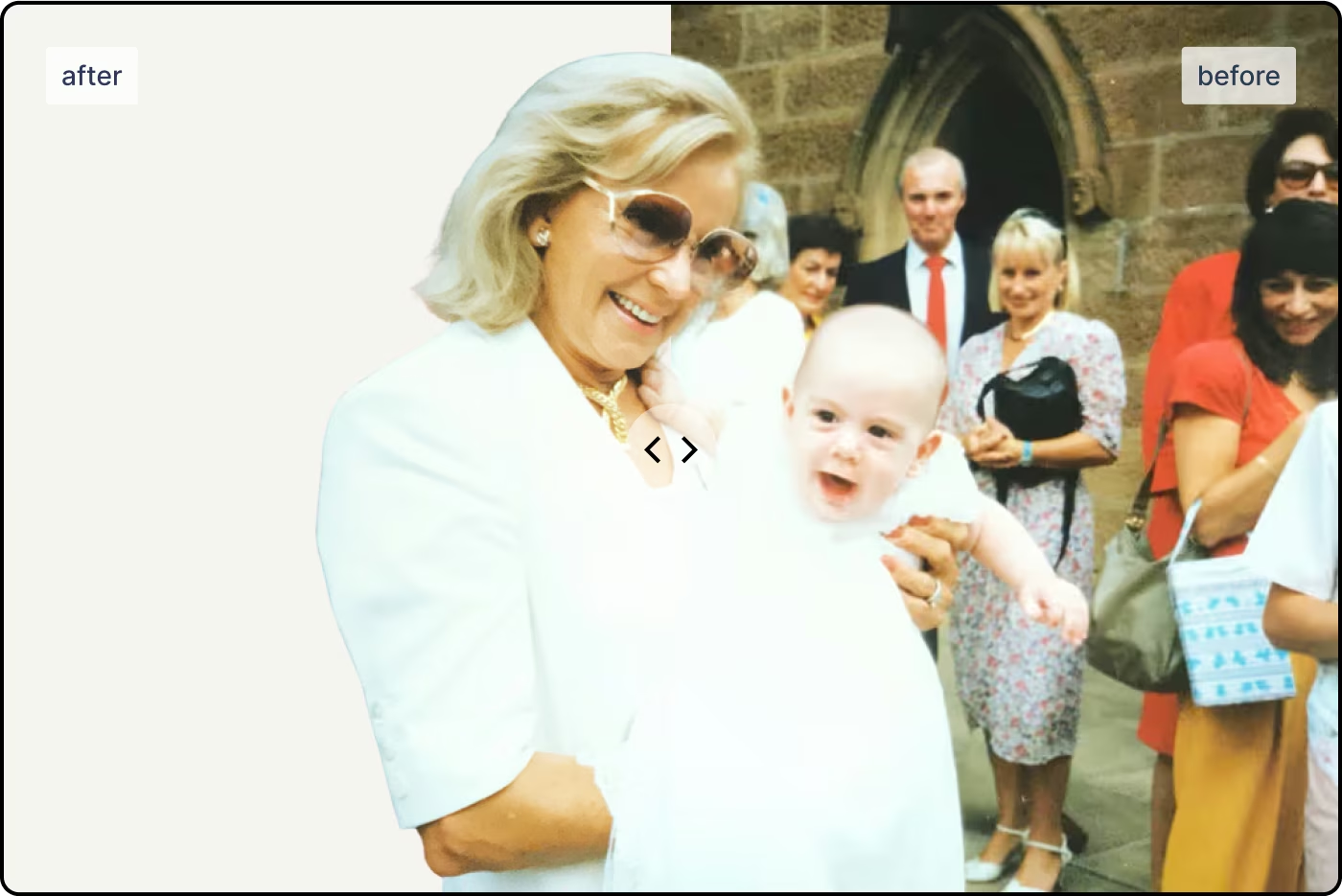
How do I use the background removal with my tributes?
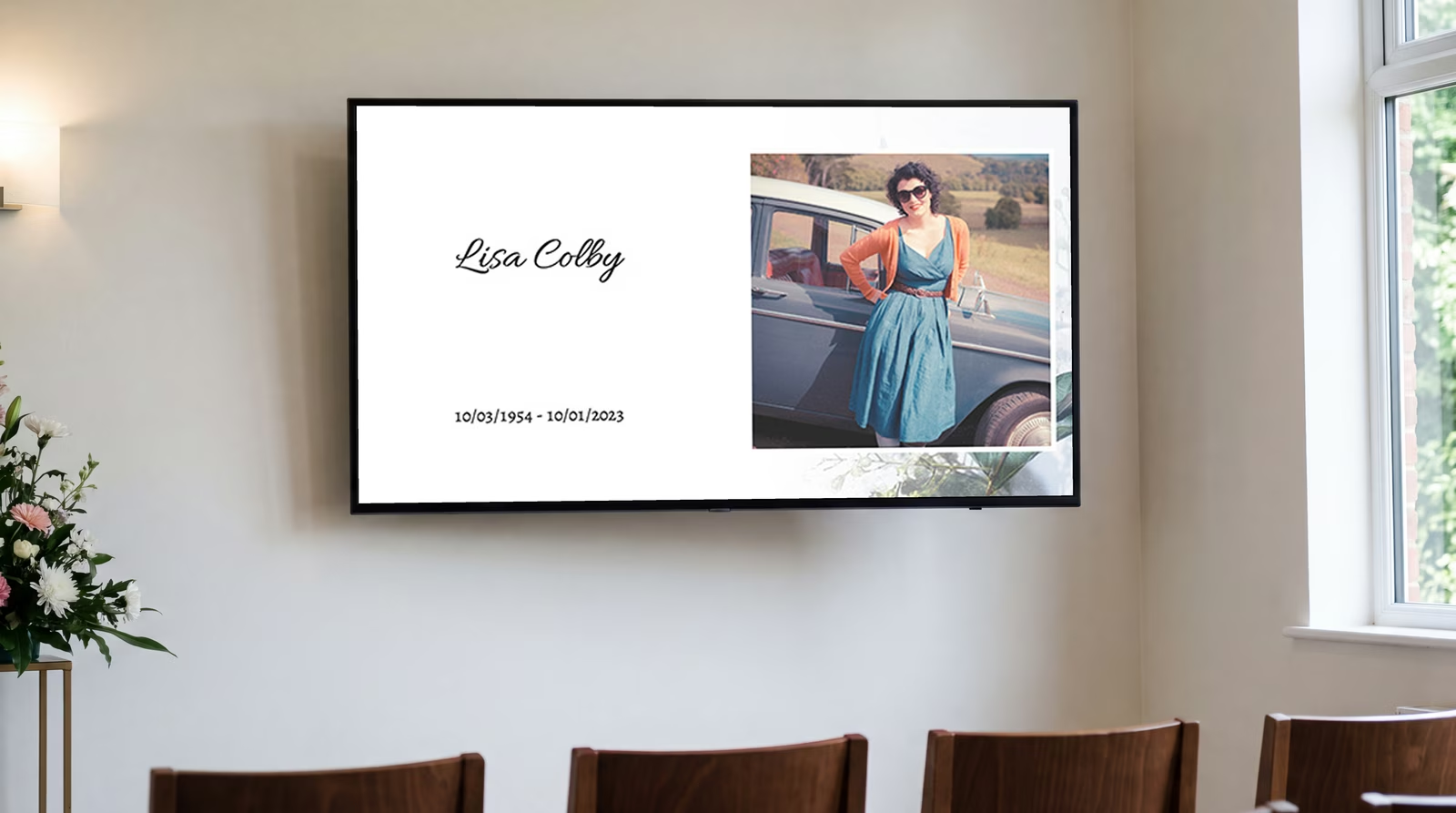
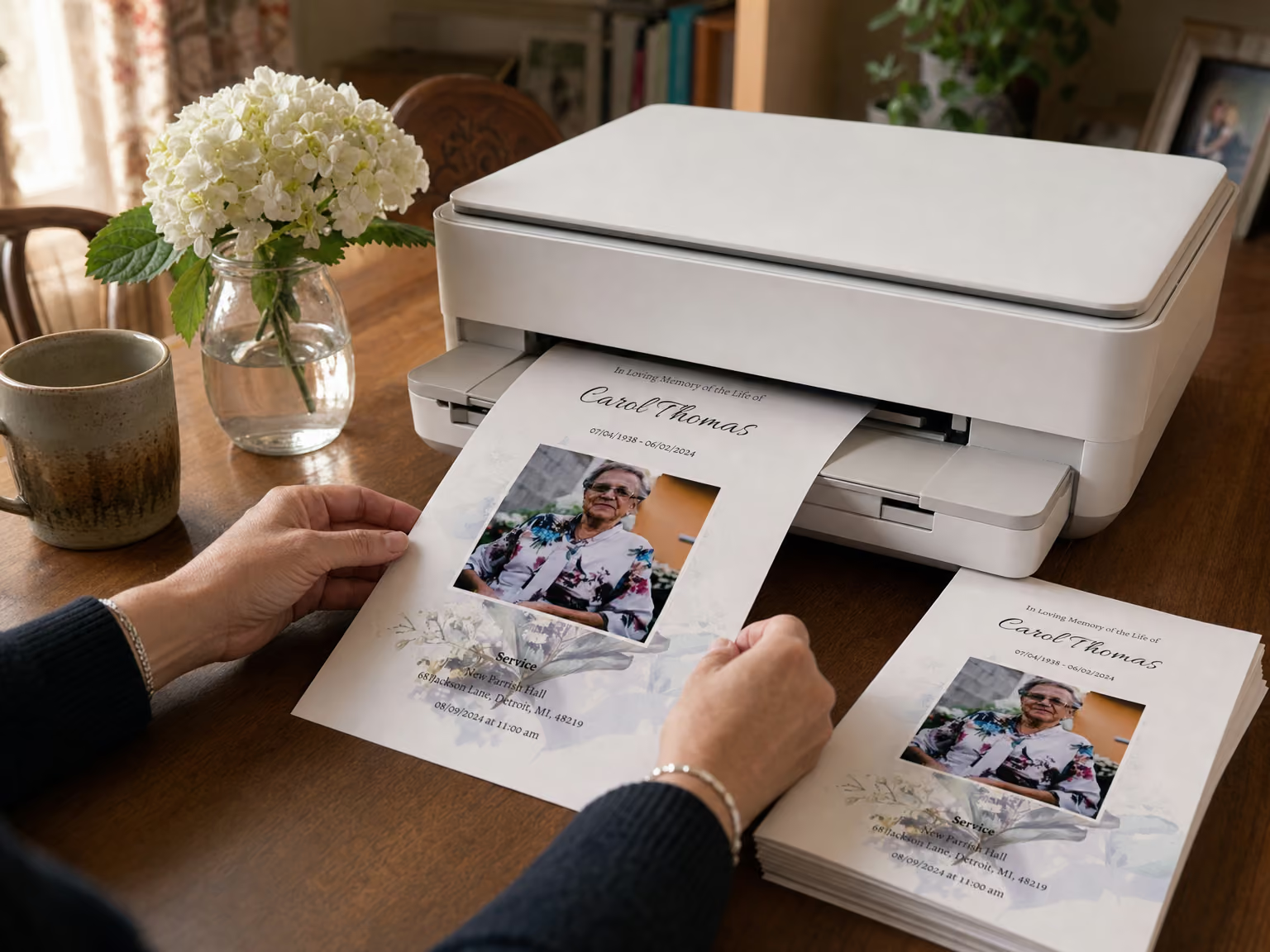
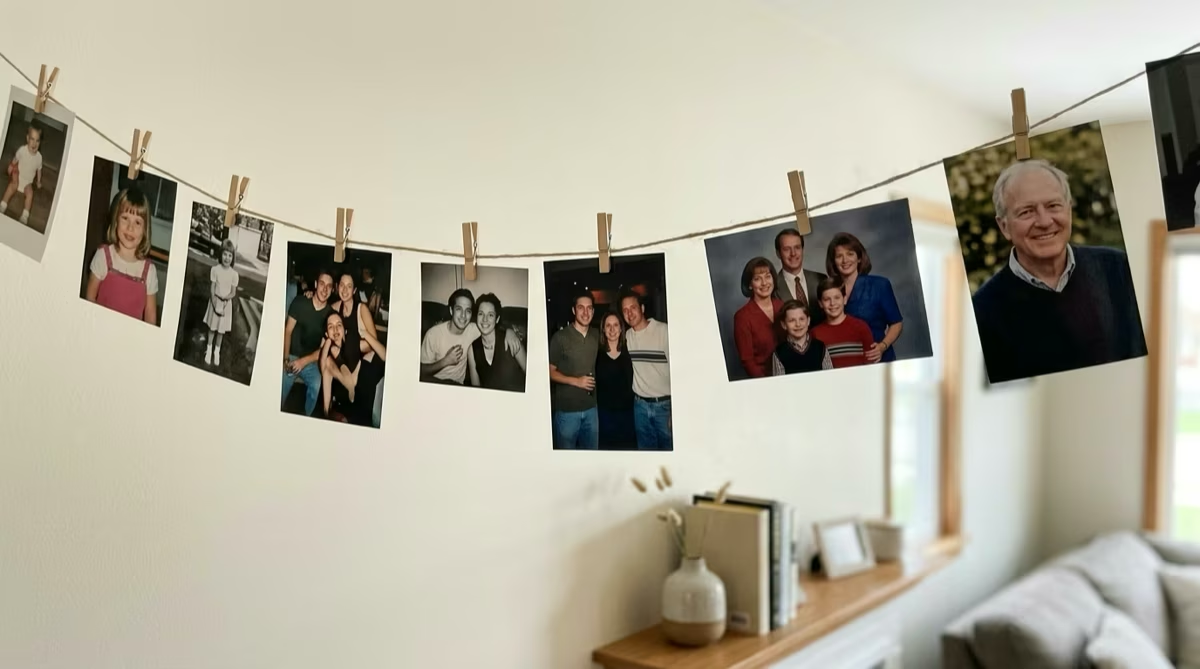
Everyone has different styles and visions when it comes to creating stationery, but we think this opens a whole world of different designs that funeral professionals and their families can choose from to create a beautiful tribute. Check out some design inspiration below.
This new flexibility carries across our memorial products, from photo cards to keepsake booklets, so every piece can reflect the exact tone you want.